
Give everything a folder
Create folders, move files between them, and rename things as the project takes shape.
Organize footage, photo selects, and revisions with your team. Share a download page with your client, and turn on feedback when you need it.
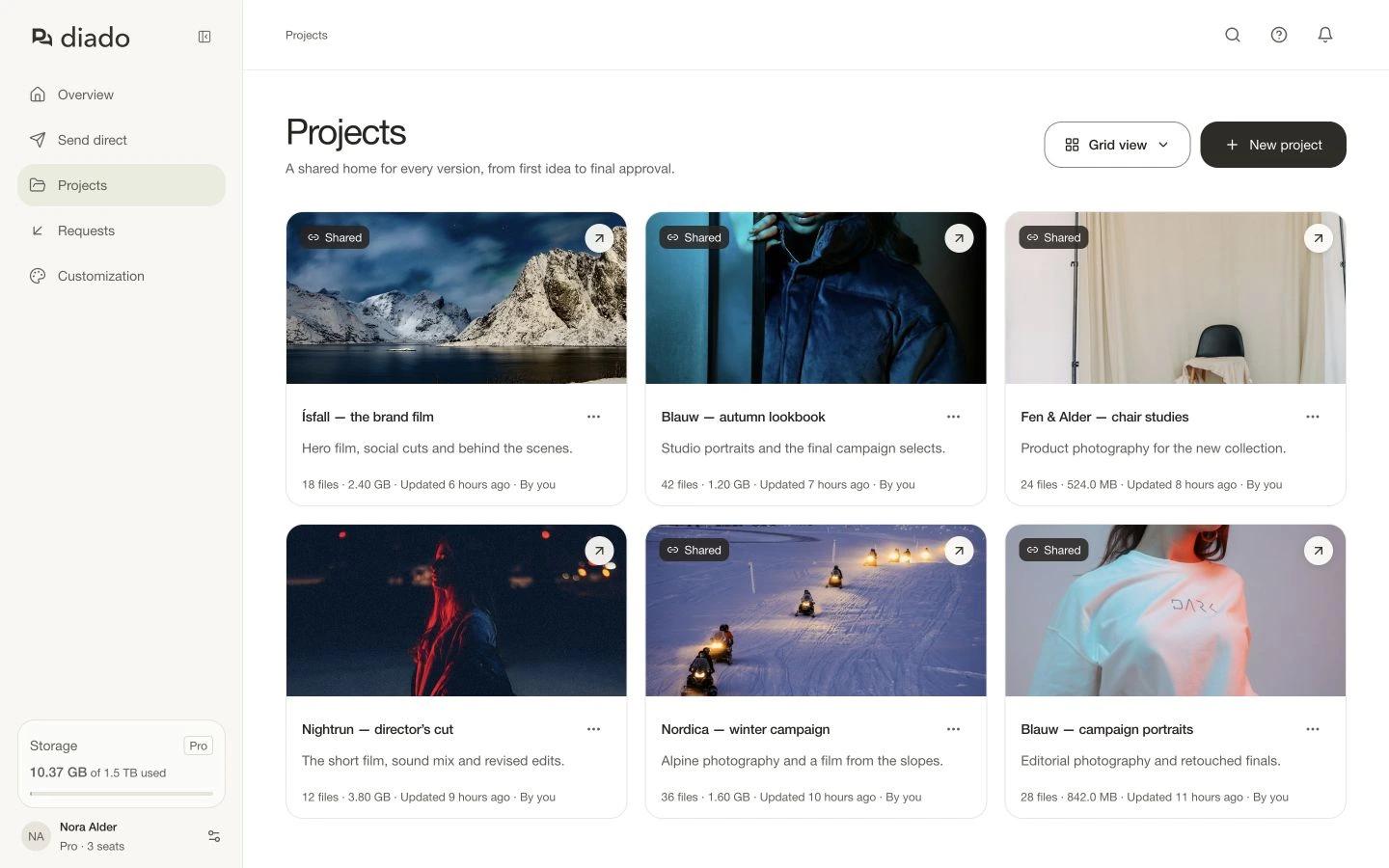
Project grid: Film and photography projects in your workspace.
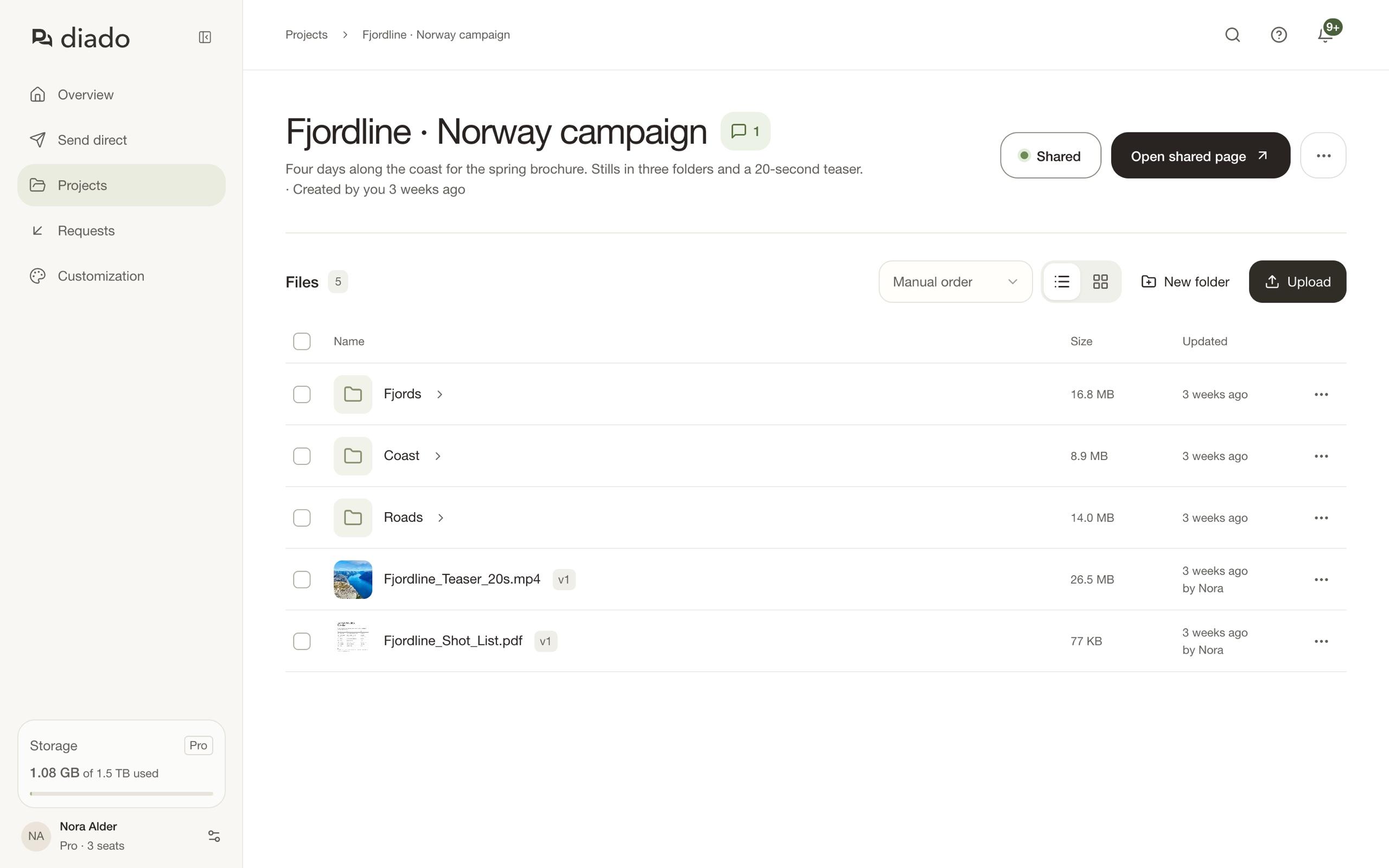
Keep the shot list beside the footage and the latest cut. Use folders to organize each part of the project.
Create folders, move files between them, and rename things as the project takes shape.
Browse previews in a grid or use the list for names and file details. Choose the order that works for you.
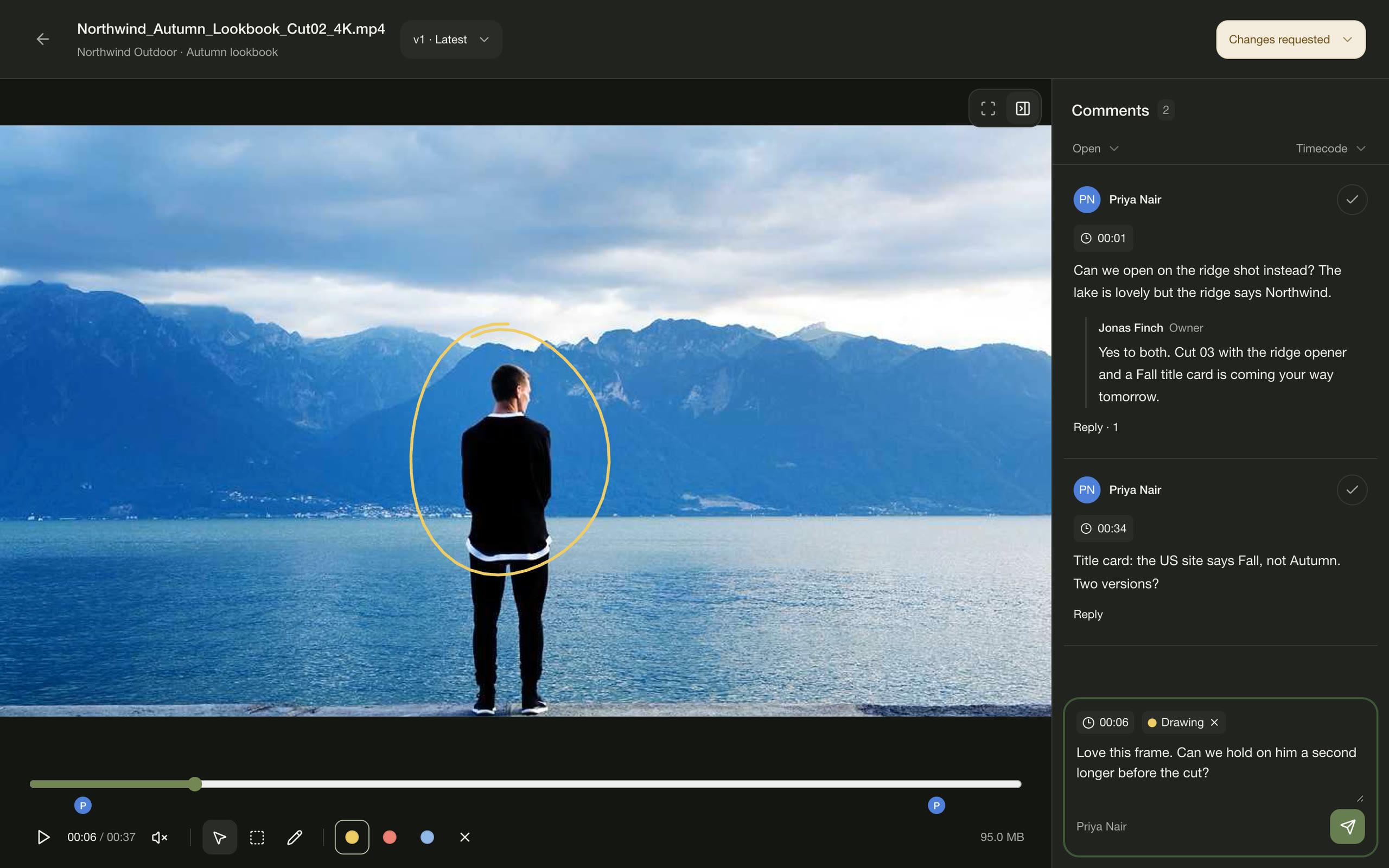
Add a new version to an existing file. Earlier versions stay within reach, along with the feedback they received.
When you upload a file with a similar name, Diado asks whether it’s a new version or a separate file. You choose what happens.
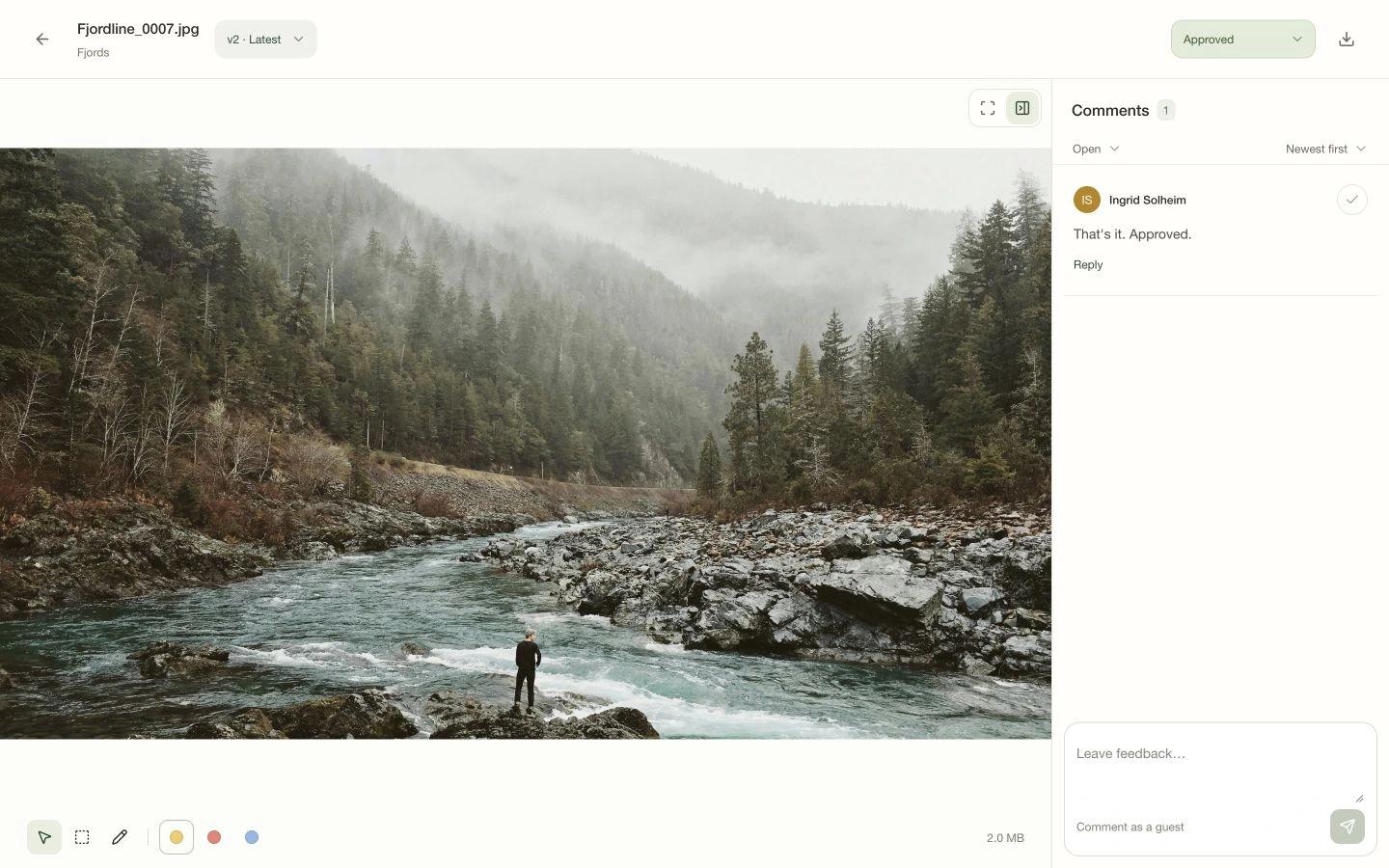
Open an earlier version when you need to check a detail or download the original. Its comments stay with it, so old feedback doesn’t get mixed into the new round.
Projects created in your team account are shared with its members. One person can add the stills while another uploads the cut.
See who created the project and who added each file or version. Recent team activity on the Overview helps you catch up on what changed.
Team membership is included with Pro seats.
Share a page of files and folders for your client to browse and download. Keep comments off for a simple download page, or enable them when you want feedback. Approvals aren’t required.
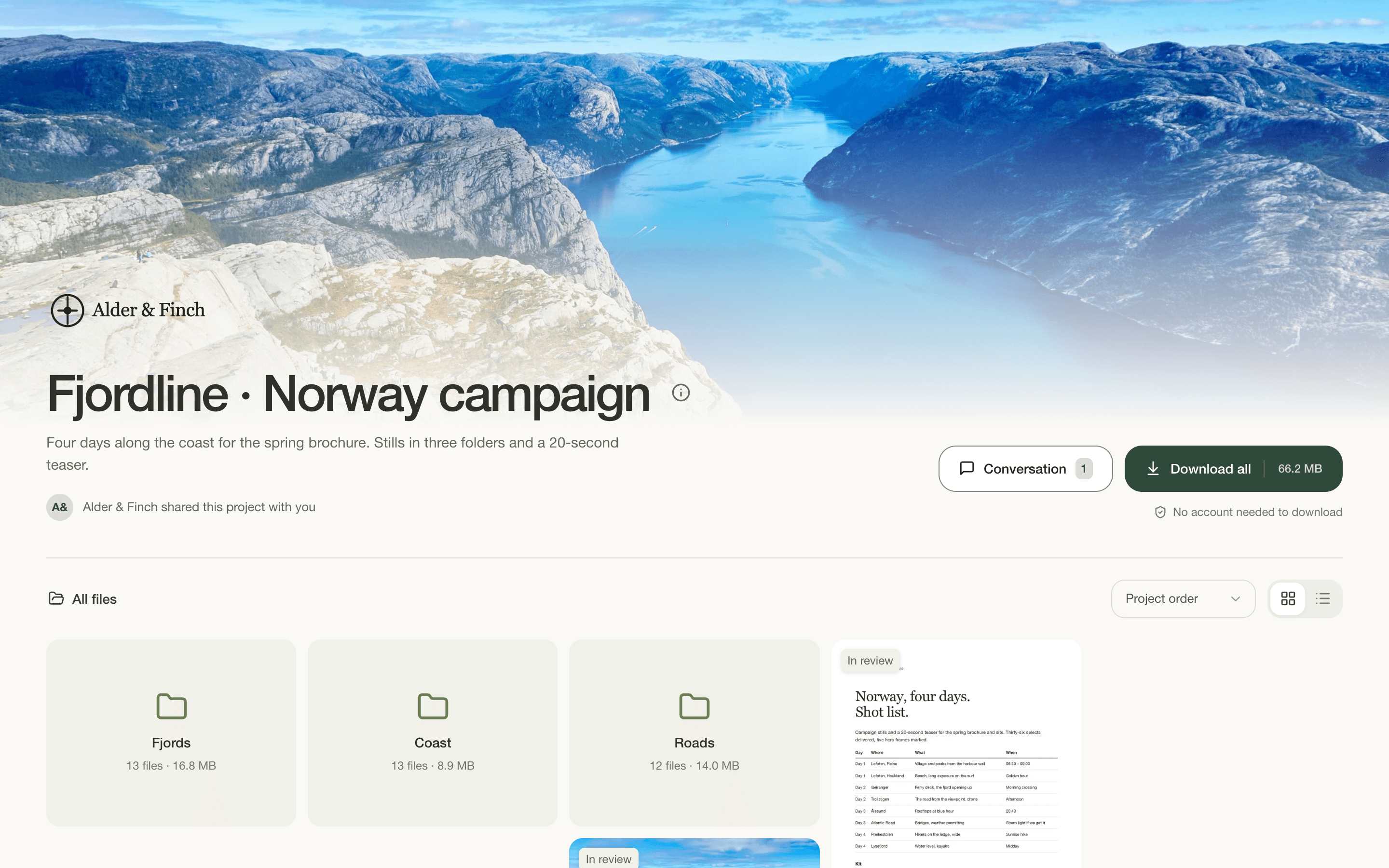
Yes. Keep downloads enabled and comments off. People can browse and download without commenting or approving anything. New shared projects have downloads on and comments off by default.
Use a project when people need a shared page to return to for files, folders, or new versions. It can be just for downloads, with comments switched off and no approvals needed. A direct send is a handoff by email or link with an expiry date.
It becomes the latest version of that file. Earlier versions remain available to open and download, with their own comments and review decisions. Earlier versions also count toward your storage.
No. Clients can browse the shared project in their browser. If comments are enabled, they enter their name and email to leave feedback. You can allow downloads separately.
Yes. Members of your account can work in its shared projects, add files and versions, organize folders, and reply to feedback. Team membership comes with Pro; clients using a shared link don’t need a team seat.
Yes. Turn sharing off in the project’s share settings to stop access through that link.