Send direct
Add the final exports, choose an expiry date, and send by email or copy the link.
- A delivery with a clear end date
- Password protection when you need it
- A record of downloads
Present films, photos, and finished work on a page that feels like your studio. Clients can browse, preview, and download. Turn on feedback only when you need it.
Recipients can download without an account.
Choose a gallery, slideshow, or file layout to suit the work. Set your colors, then add your logo and photography with Pro. Your client can preview the delivery and download individual files or the whole set.
Explore page customization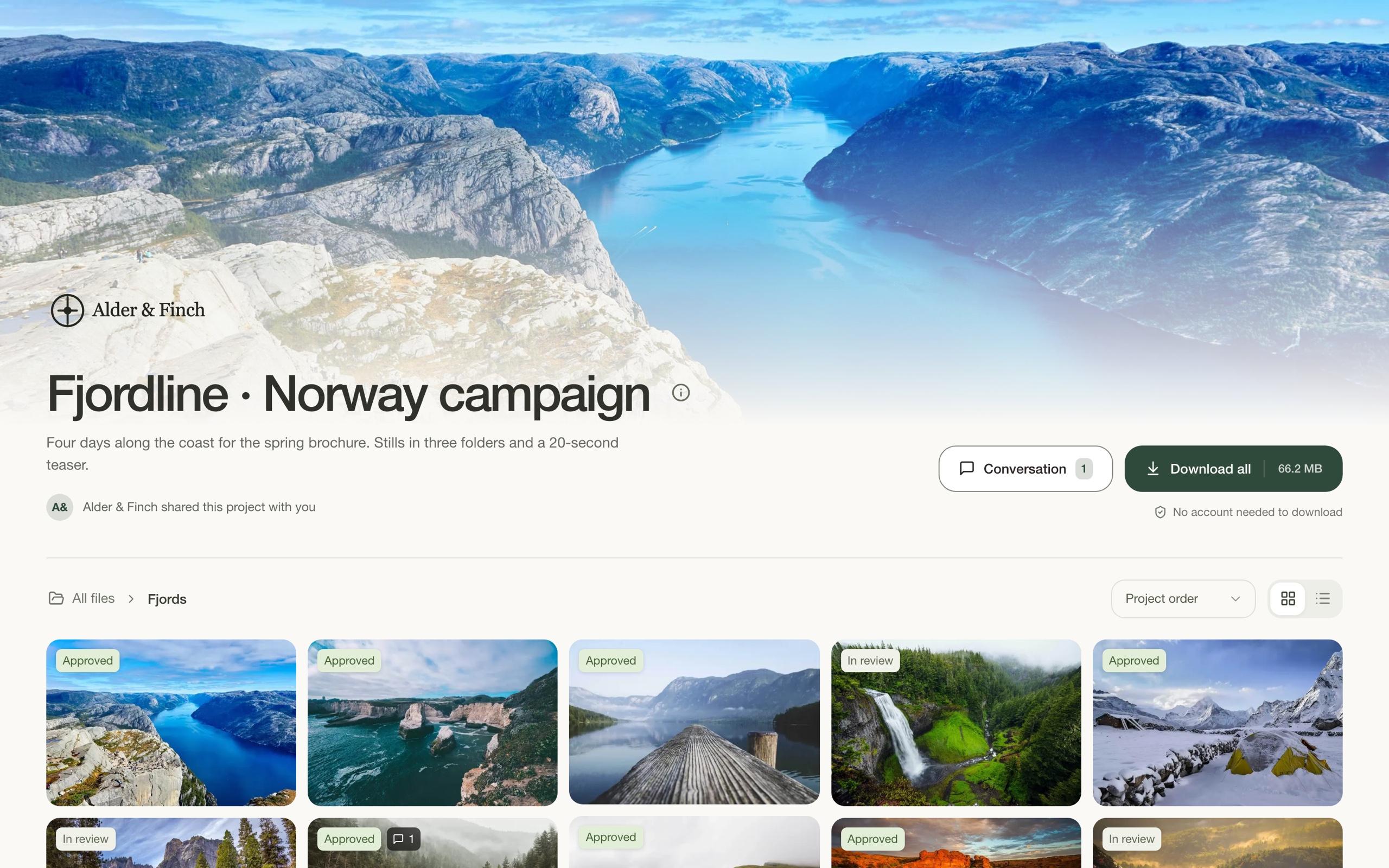
Drop in files or a folder. Give the send a name, add a message, and choose how to share it. Email it from Diado or copy the link into your own conversation.
Set an expiry of up to 30 days. Your recipient can download while the link is active.
Ask for a password before the recipient can access the files.
See which files were downloaded and whether the download finished.
Use a shared project for a press kit, brand assets, or finished work your client can return to.
Keep downloads on and comments off. If you need feedback later, you can enable comments on the same shared page.
See how shared projects workA direct send is a delivery with an expiry date: add your files, then email the link or copy it yourself. A shared project is a place people can return to for files, folders, and the latest versions. Both can be used just for downloads.
Yes. Enable downloads and leave comments off in the project’s sharing settings. People can browse and download the files without a review process. New shared projects have downloads on and comments off by default.
No. Recipients can open direct sends and shared project pages in their browser and download the files you make available.
Choose an expiry of up to 30 days. After that, the download link stops working. If the files need a longer-term home, use a shared project page.
Yes. Set a password when preparing the send and share it with your recipient separately.
Yes. The download record shows which files were downloaded, when, and whether the download finished. Where a recipient is identified, you’ll see their name; anonymous visitors aren’t always identifiable.