Go straight to the moment
Comments on video and audio can include a timestamp. Click the note to jump back to it.
Share a film or photo selection for review. Clients can mark a detail, leave a timestamped comment, and approve a version.
A timecode gets you to the right moment. A mark shows the detail. Your client can leave both in the same comment.
Comments on video and audio can include a timestamp. Click the note to jump back to it.
Draw on the image or mark an area of the frame. There’s no need to describe which corner you mean.
Ask a question, reply in the thread, and resolve the note when it’s dealt with. Reopen it if you need to.
Upload the next version to the same file. Your client comes back through the link they already have, and the old notes stay with the version they were written on.
When it’s ready, they can approve that version. If it needs another pass, they can request changes.
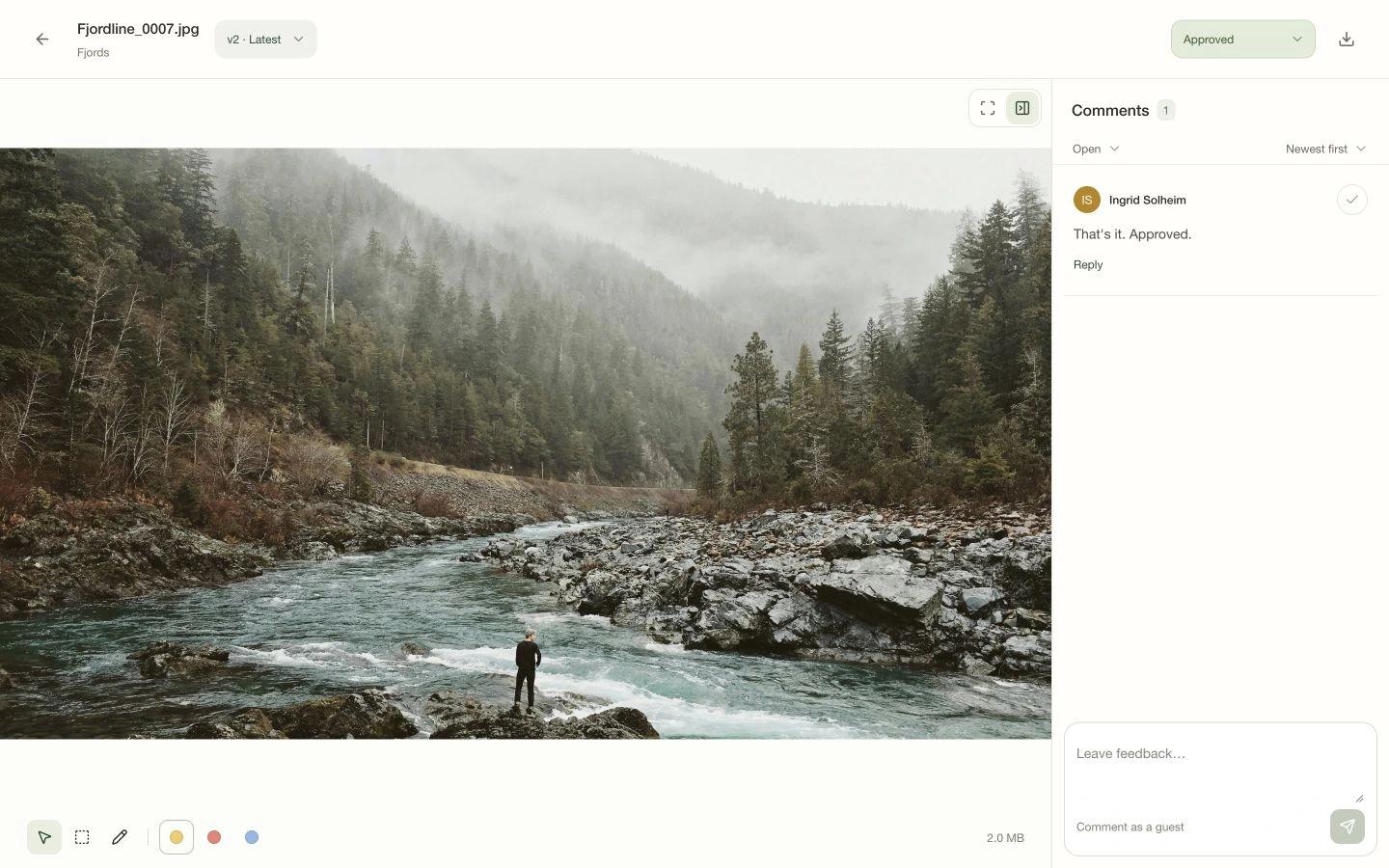
Your client opens the project in their browser. They can look through the files, leave their name and email, and start commenting.
You decide whether the shared project allows comments and downloads. When the work is finished, they can collect the final files from the same place.
Explore projectsNo. They open your project link in their browser and enter their name and email when they want to leave feedback. There’s no account to create or software to install.
Yes. Draw on an image to show the detail you mean, or leave a comment on a particular moment in a video or audio file.
Add it as the next version of the existing file. Your client uses the same project link, and earlier versions keep their own comments and review decisions.
Yes. The project’s share settings let you control downloads separately from comments and review.
Review lives in Projects, where files have versions and a shared place for feedback. Use a direct send when you just need to deliver files.