Projects you share
Open the same projects, add files and folders, and keep revisions with the work they belong to.
Give your editors and photographers access to the same projects. Add files, upload revisions, and check what your teammates have sent.
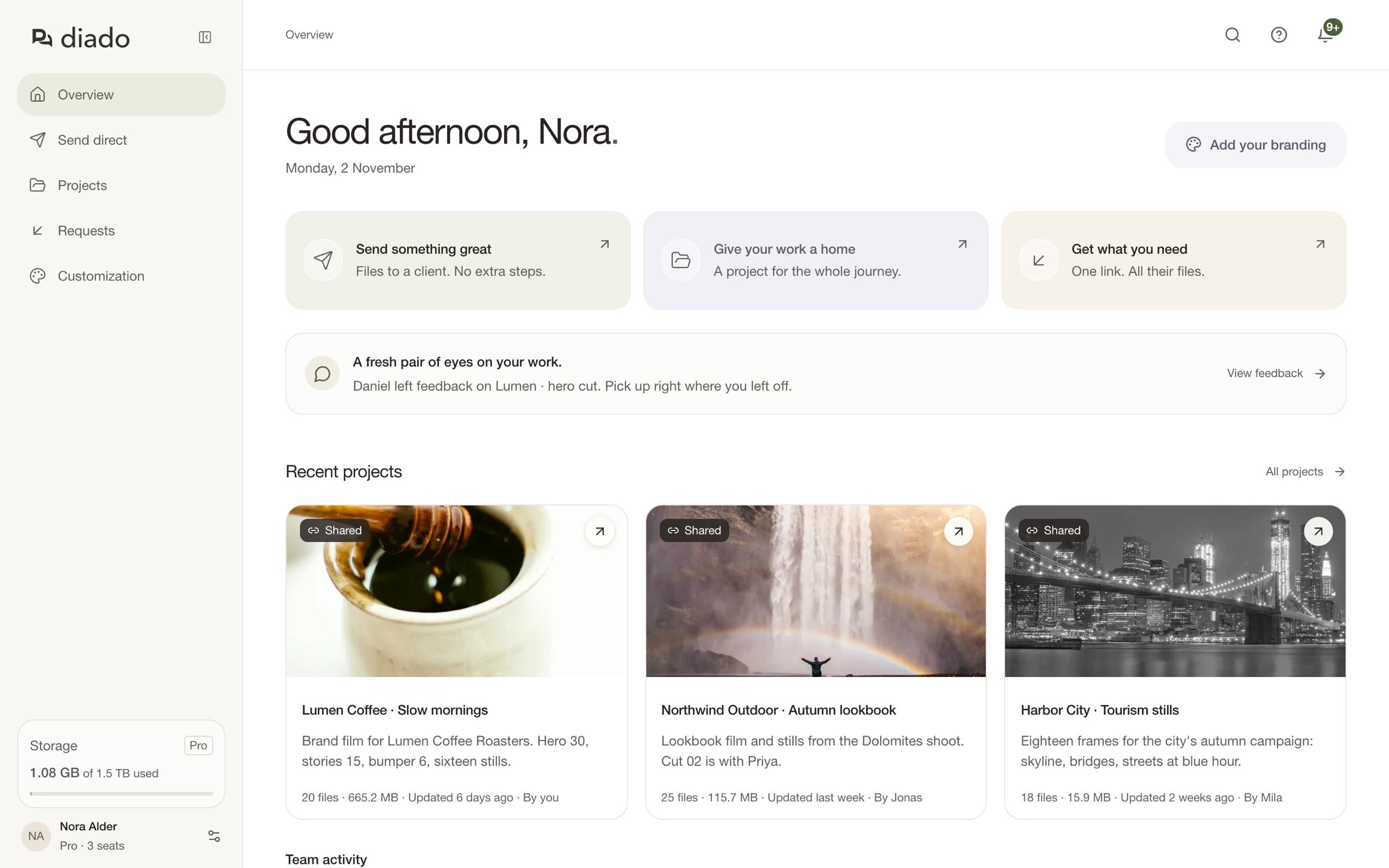
A teammate uploads the footage. You add the edit. Someone else sends the finals. The work stays in the team account, with room for everyone to do their part.
Open the same projects, add files and folders, and keep revisions with the work they belong to.
Find a teammate’s send, check the download log, or update its files and expiry when plans change.
See who created a project and who uploaded each version. Recent team activity keeps you up to date.
Files, folders, and earlier versions stay together. You can see who added the latest cut and open the feedback beside it, without piecing the project together from messages.
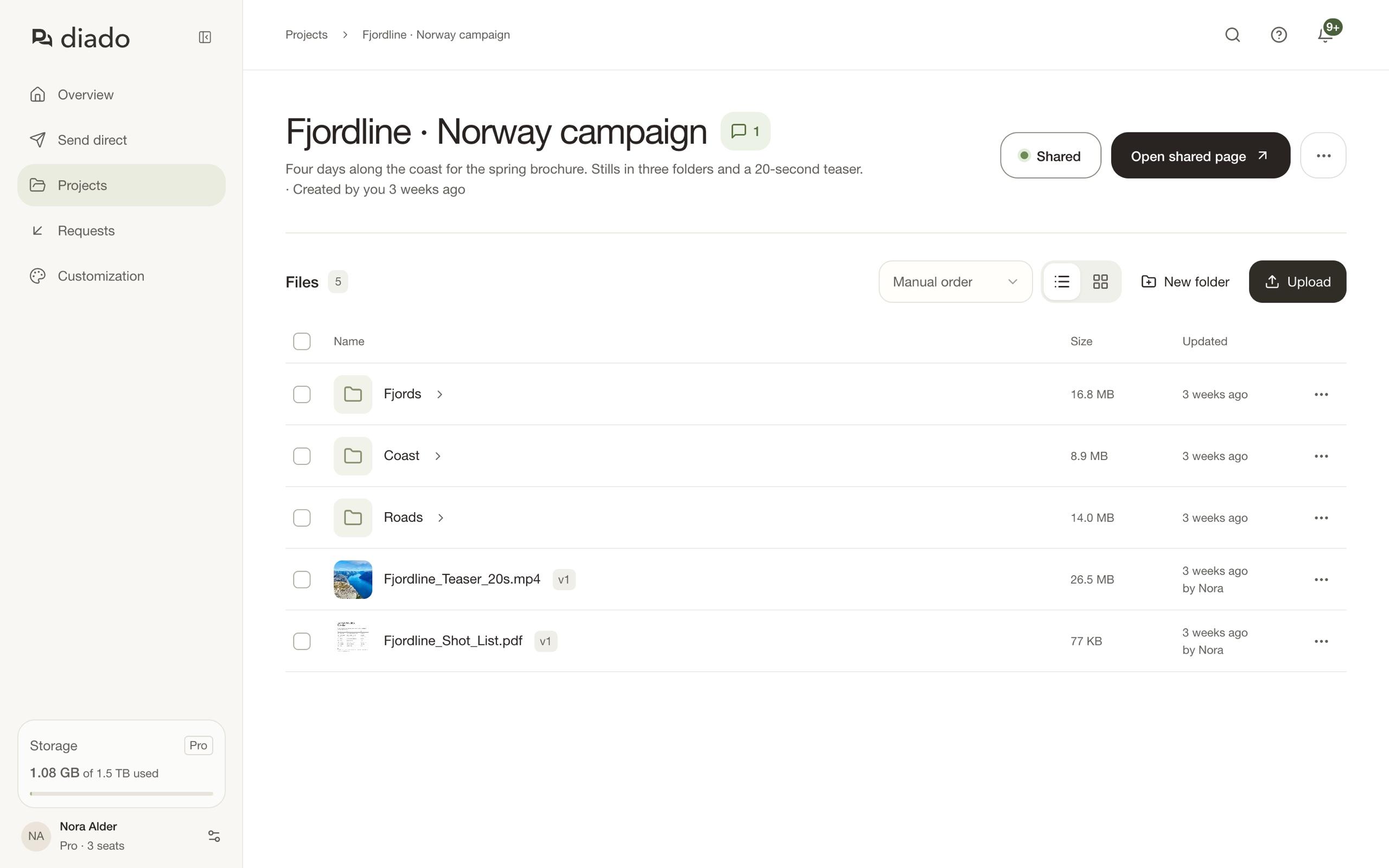
Every Pro seat adds 500 GB to your shared storage. The storage is pooled across the account for your team’s files.
Add seats as your team grows, or leave them empty when you just need more space.
See plans and pricing3 Pro seats · $30/month, billed monthly
Invite the people doing the work into your account. Give clients a shared page to download or review, without making them part of the team.
Yes. Team members come with Pro. The owner buys seats and invites people by email. The owner uses one seat, and each person invited needs an available seat. A pending invitation reserves its seat.
No. Clients can use a shared project link to browse and download without joining your team. You can turn comments on when you want feedback, or leave them off for a download-only page.
Shared. Each Pro seat adds 500 GB to one storage pool for the account. Three seats give your team 1.5 TB to use together; you don’t have to divide it between people. Empty seats still contribute their storage.
Yes. Projects created in the team account are shared with its members. Members can add files, manage folders, share projects, and comment. Only a project’s creator or the account owner can delete the whole project.
Their access to the team ends. Projects they created in the team account and the record of their work stay with the team. Removing a member frees their seat; it doesn’t automatically reduce the subscription. The owner manages seats separately.
When you first invite someone and create your team account, your existing projects move into it. Someone joining your team keeps the personal projects they made before joining separate.