Download files someone shared
Open a shared link, preview the files, and download the originals.
Sends · 2 min read
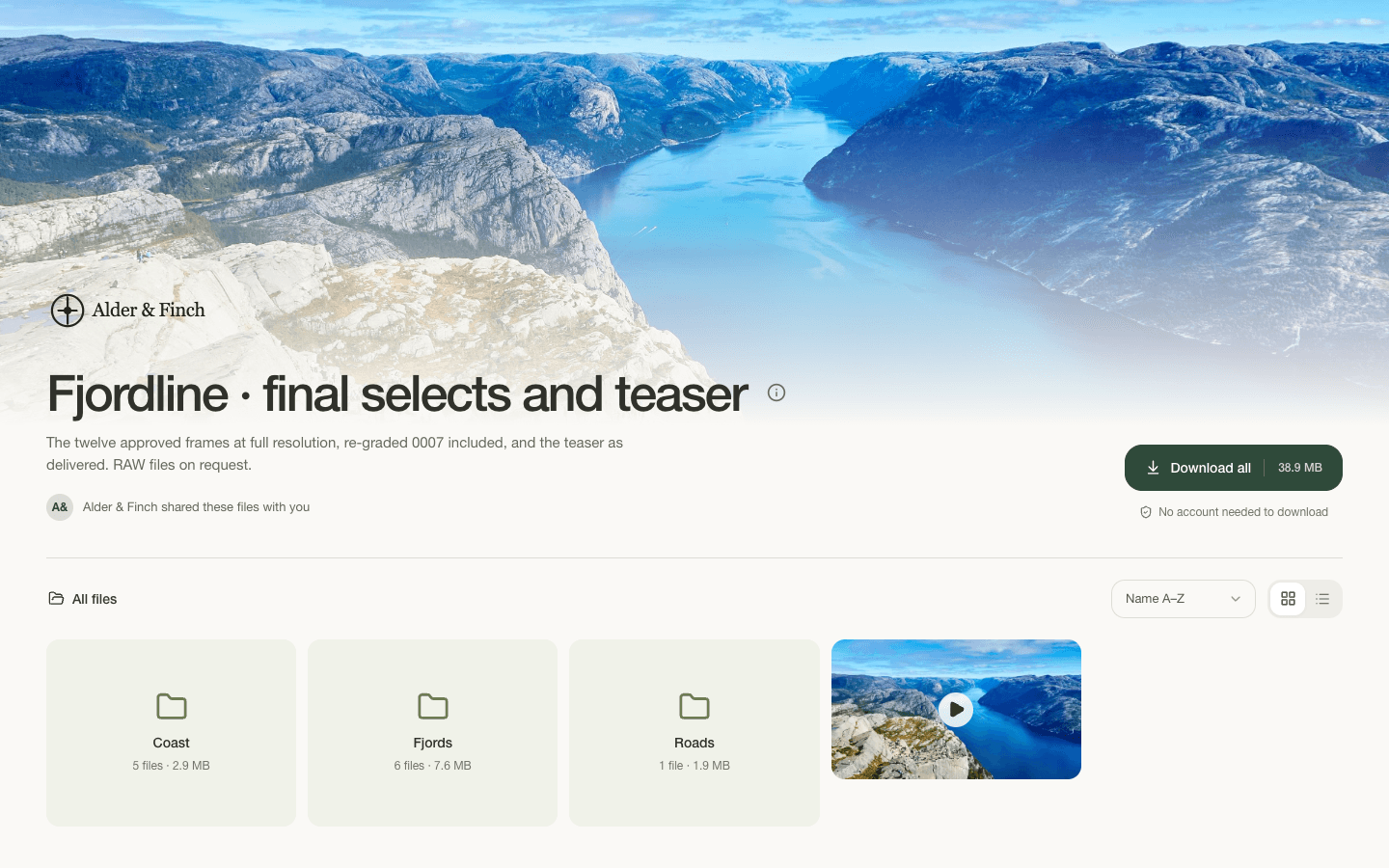
Choose your download
Select Download all to save the full delivery, or select the files you need. Keep the browser open until the download finishes.
You download the original uploaded files, even when Diado uses a separate version for browser playback.
If there is no download option
On a shared project, the owner may have disabled downloads while allowing previews or review. Ask them to enable Download files if you need the originals.
Check your browser’s download history and destination folder before starting the same download again.